
Email List Cleaner vs KeywordKick
Side-by-side comparison to help you choose the right AI tool.

Email List Cleaner
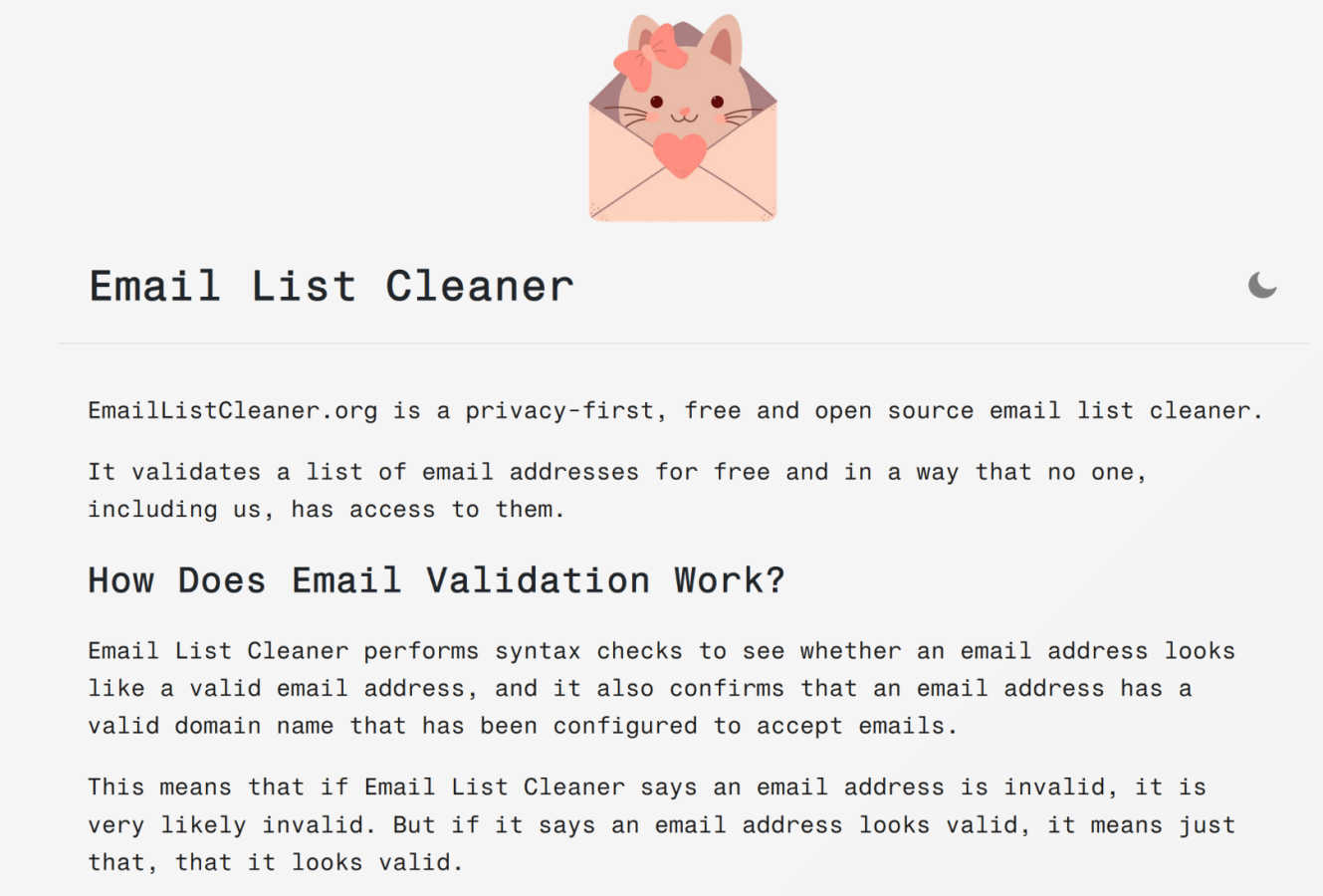
Discover a free, private way to validate email lists entirely within your own browser.
Last updated: March 1, 2026

KeywordKick
Discover what your SEO data truly means and get clear actions to grow your traffic.
Last updated: April 13, 2026
Visual Comparison
Email List Cleaner
KeywordKick

Feature Comparison
Email List Cleaner
Privacy-First, Client-Side Validation
The defining feature of Email List Cleaner is where the work happens: entirely within your browser. When you paste your list, the full email addresses are never sent over the internet to a remote server for processing. This means no one, not even the tool's creators, can access or see your sensitive contact data. The only information that leaves your device is the domain part (like "example.com") of each address, which is sent to a public DNS service to verify the domain's mail server configuration. This architecture offers unparalleled privacy and security for your mailing lists.
Comprehensive Validity & Syntax Checking
The tool performs robust checks to determine the likely validity of each address. It starts with a strict syntax check to ensure the address follows the proper format (like [email protected]). Then, it performs a domain check by querying the Domain Name System (DNS) to confirm the domain exists and is configured to accept email (has MX or A records). While it can't guarantee an inbox exists, if it flags an address as invalid, it's very likely incorrect or defunct, helping you remove clear bounces.
Advanced Filtering & Detection Options
Beyond basic validation, Email List Cleaner provides granular control over what constitutes a "clean" address for your specific needs. You can choose to filter out or allow role-based addresses (like info@ or sales@), disposable/temporary email addresses, and even addresses from domains that don't host a website. It also includes a sophisticated duplicate remover that understands provider-specific rules, like Gmail ignoring dots and plus tags in the local part of the address.
Free, Open Source, and Transparent
True to its ethos, the tool is completely free to use without any hidden limits or upsells. Furthermore, it is open-source, meaning its entire codebase is publicly available for inspection. This transparency allows technically-minded users to verify its privacy claims, understand exactly how it works, and even contribute to its development. You can trust the process because you can, quite literally, see the process.
KeywordKick
K² AI SEO Agent
This is the core intelligence of KeywordKick. The K² AI agent acts as your personal SEO analyst, capable of understanding natural language questions. You can ask it about traffic fluctuations, optimization priorities, or competitive threats. It synthesizes data from all connected sources—rankings, backlinks, GA4, and Search Console—to provide concise, prioritized answers and action steps, moving you from data to decision instantly.
Unified SEO Data Workspace
KeywordKick consolidates all critical SEO signals into a single, coherent dashboard. You can connect and view data from Google Analytics 4, Google Search Console, your rank tracking profiles, backlink tools, and technical site audits simultaneously. This eliminates the need to juggle multiple platforms, providing a holistic, real-time view of your website's search ecosystem and health in one place.
Intelligent Rank & SERP Tracking
Go beyond basic position tracking. This feature monitors daily keyword movements across search engines with historical trend analysis. Crucially, it also tracks visibility across key SERP features like Featured Snippets and "People Also Ask" boxes. Furthermore, it allows you to compare your keyword positions directly against selected competitors, revealing clear content gaps and ranking opportunities.
Comprehensive Site Health Auditing
KeywordKick provides automated, ongoing technical SEO audits that generate a clear Site Health Score (e.g., 94/100). It categorizes issues into Passed, Warnings, and Critical statuses, giving your team a prioritized checklist for technical improvements. This proactive monitoring helps you fix crawl errors, site speed issues, and structural problems before they impact your rankings.
Use Cases
Email List Cleaner
For Small Business Owners Protecting Customer Data
A small business owner with a list of client and prospect emails needs to clean their list before a big announcement but is deeply uncomfortable uploading that confidential data to an unknown online service. Using Email List Cleaner, they can validate the list's health directly on their own computer, ensuring data never leaves their control while still removing invalid addresses that would hurt deliverability.
For Newsletter Managers Improving Engagement Rates
A community manager running a newsletter sees open rates declining. They suspect list decay is a factor. By running their subscriber list through this tool, they can identify and remove invalid, disposable, and role-based addresses. This results in a more engaged, human audience, improving sender reputation and ensuring their content reaches people who actually want to read it.
For Marketers Preparing a Critical Campaign
A marketer is about to launch a high-stakes product launch email campaign. A high bounce rate could damage their domain's reputation. They use Email List Cleaner to rigorously scrub the list, using all available filters to remove not just invalid syntax but also unlikely valid addresses and disposable emails, maximizing the chance that their campaign lands successfully in primary inboxes.
For Data-Conscious Organizations Upholding Privacy Standards
An organization with strict data privacy policies or compliance requirements (like GDPR awareness) needs to maintain list hygiene but cannot use conventional cloud-based validators. This tool provides a perfect solution, enabling necessary list maintenance without any third-party data processing, aligning perfectly with a principle of data minimization and user privacy.
KeywordKick
Diagnosing Organic Traffic Drops
When you notice an unexpected dip in organic traffic, instead of manually cross-referencing Analytics and Search Console, you can simply ask K². The AI agent will analyze ranking changes, competitor movements, technical issues, and Google algorithm updates to pinpoint the most likely cause and recommend specific recovery actions, saving hours of investigative work.
Prioritizing Page Optimization Efforts
For content teams with limited resources, deciding which pages to optimize first is a challenge. By asking K², "Which pages should I optimize first?" the agent evaluates current rankings, traffic potential, competitor strength, and on-page SEO gaps to deliver a prioritized list of high-impact pages, ensuring your efforts are focused where they will deliver the greatest return.
Uncovering Competitive Advantages
SEO teams and agencies can use KeywordKick to deeply understand competitor strategy. By connecting competitor domains and comparing keyword portfolios, K² can reveal where your competitors are winning with specific SERP features, which content gaps you can exploit, and what backlink strategies are working for them, informing a more aggressive and informed SEO strategy.
Streamlining Client Reporting for Agencies
Marketing agencies can leverage the unified dashboard and AI insights to create clear, actionable client reports. Instead of presenting raw data, they can use K²'s prioritized recommendations to build reports that focus on executed tasks and next-step strategies, demonstrating clear value and strategic direction to clients efficiently.
Overview
About Email List Cleaner
Have you ever looked at your email list and wondered how many of those addresses are still real, active gateways to a person? How many are simply digital echoes, cluttering your database and quietly eroding your sender reputation with every campaign? Email List Cleaner is a fascinating exploration into solving that exact puzzle, but with a revolutionary twist that puts you, the curator of your data, firmly in control. This isn't just another online validator that asks you to upload your precious contacts into the digital unknown. It is a free, open-source, and privacy-first tool built for the curious and the cautious. It empowers marketers, small business owners, community managers, and anyone who values their audience to validate email addresses without ever exposing the sensitive, full data to a third-party server. The core magic happens locally, right inside your web browser. Imagine sifting through thousands of contacts, identifying invalid syntax, defunct domains, and disposable addresses, all while knowing the complete email addresses you care about never leave your computer. This tool is for those who believe data sovereignty is just as critical as list hygiene, offering a powerful, transparent, and completely free way to ensure your communications reach real, engaged people.
About KeywordKick
What if you could simply ask your SEO data a question and get a clear, actionable answer? KeywordKick transforms that curiosity into reality. It's not just another dashboard to stare at; it's an AI-powered SEO agent, named K², that you can actually talk to. Built for founders, marketers, and SEO teams who crave execution over endless analysis, KeywordKick connects your entire SEO stack—Google Search Console, Google Analytics, keyword rankings, competitor data, and backlink profiles—into one unified workspace. Instead of piecing together clues from disparate reports, you engage in a conversation. Ask "Why did my traffic drop last week?" or "Which pages should I optimize first?" K² analyzes the complex interplay of all your data and responds with prioritized, clear recommendations. This discovery-oriented approach cuts through the noise, telling you exactly what to do next to improve rankings and grow organic traffic, turning data overwhelm into confident, strategic action.
Frequently Asked Questions
Email List Cleaner FAQ
How can I trust that my email data is truly private?
You can trust it because the process is transparent and technically verifiable. The validation occurs locally in your browser. The only external data transmitted is the domain name (e.g., "domain.com") to perform a DNS lookup via a public service like Google's. The full email address (e.g., "[email protected]") is never sent to any server. This claim is backed by the tool's open-source nature, allowing anyone to audit the code.
What's the difference between "invalid" and "unlikely valid"?
An email marked "invalid" has failed a fundamental check, such as having incorrect syntax (missing "@" symbol) or belonging to a domain that does not accept mail (no MX records). An "unlikely valid" address, however, passes basic technical checks but appears to be a placeholder (like "[email protected]" or "[email protected]"). It could be real, but it's often used for sign-ups where the user doesn't want to give a real address.
How does the duplicate removal handle Gmail addresses?
The duplicate removal feature is intelligent. It knows that for providers like Gmail, the local part before the "@" is interpreted uniquely. It considers "[email protected]", "[email protected]", and "[email protected]" all as the same underlying email address. When the duplicate removal option is enabled, only one instance will be kept in your cleaned list, reflecting how these providers actually treat incoming mail.
Can this tool guarantee 100% accuracy in validation?
No, and no third-party email validation service can. It is technically impossible to know with absolute certainty if a syntactically correct email address has an active inbox without sending an actual email. Email List Cleaner provides a high-confidence check by validating format and domain configuration. If it says an address is invalid, trust that result. If it says an address "looks valid," it means it has passed all the technical checks it can perform locally.
KeywordKick FAQ
What data sources does KeywordKick connect to?
KeywordKick is designed as a central hub for your SEO data. It integrates directly with Google Search Console and Google Analytics 4 for traffic and performance data. Additionally, it incorporates data from keyword rank tracking, backlink analysis tools, and its own proprietary site audit crawler to provide a complete picture of your search presence.
How is the K² AI agent different from a chatbot?
K² is not a simple chatbot with pre-written responses. It is an analytical engine trained on SEO expertise. When you ask a question, it actively analyzes your connected, live data sets—correlating rankings with traffic, technical issues with performance drops—to generate unique, contextual, and actionable insights specific to your website's current situation.
Who is KeywordKick built for?
KeywordKick is built for anyone who needs to act on SEO data without getting lost in it. This includes founders managing their own growth, in-house marketers and SEO specialists, as well as SEO teams and digital marketing agencies that need to move quickly from insight to execution for multiple clients or projects.
How does the platform help with technical SEO?
The platform includes an automated Site Audit tool that continuously scans your website for technical issues. It provides a health score and categorizes findings (e.g., critical errors, warnings) so you know what to fix first. These technical signals are also part of K²'s analysis, so the AI can recommend technical fixes when they are impacting your performance.
Alternatives
Email List Cleaner Alternatives
Email List Cleaner is a unique entry in the world of email validation tools, distinguished by its commitment to privacy and its open-source, browser-based operation. It belongs to the category of list hygiene tools, designed to help anyone with a mailing list identify invalid or risky addresses that can harm deliverability. Users often explore alternatives for various reasons. Some may require advanced features like bulk processing APIs for automation, integration with specific marketing platforms, or more detailed analytics on list health. Others might be looking for different pricing models beyond a free tool, or they may simply prefer a different user experience or interface for their workflow. When considering other options, it's wise to evaluate a few key aspects. Look closely at where and how the data is processed—is it on your device or on a remote server? Consider the depth of validation checks offered, the tool's scalability for your list size, and the overall transparency of the service. Balancing these factors with your specific needs for privacy, functionality, and budget will guide you to the right solution.
KeywordKick Alternatives
KeywordKick is an AI-powered SEO agent that lives in the conversational AI category. It's designed to move you from data analysis to direct action by connecting your key data sources and providing clear, prioritized instructions when you ask. People explore alternatives for various reasons. Some may need a different pricing structure, specific integrations, or a more traditional dashboard-based workflow. Others might be looking for tools that focus on a narrower aspect of SEO, like pure keyword research or technical auditing. When evaluating other options, consider your primary goal. Are you seeking a comprehensive AI assistant for execution, or a specialized tool for deep data exploration? Also, assess how well a platform connects your unique data stack and whether its guidance style matches how you and your team prefer to work.