

Email List Cleaner
Discover a free, private way to validate email lists entirely within your own browser.
About Email List Cleaner
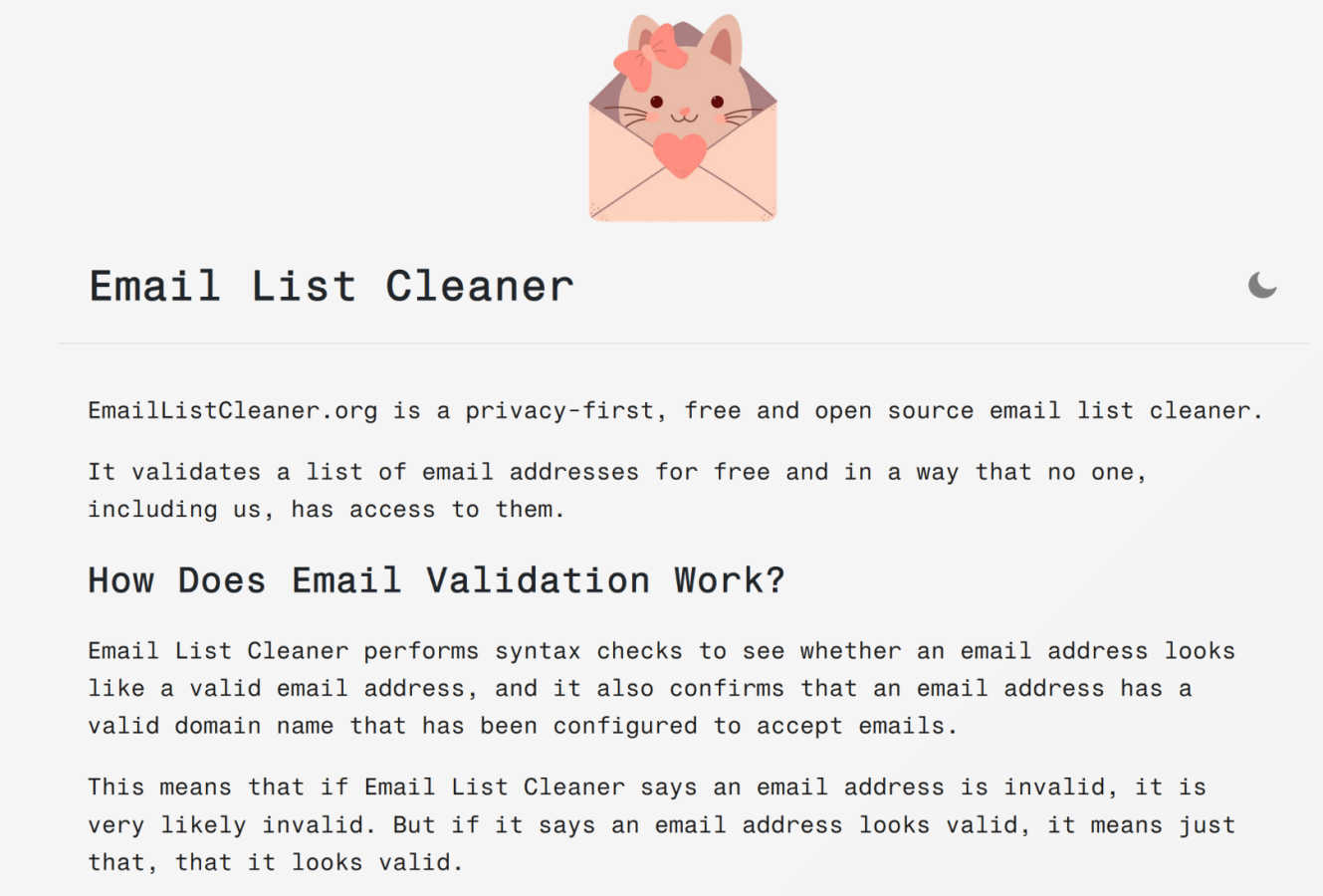
Have you ever looked at your email list and wondered how many of those addresses are still real, active gateways to a person? How many are simply digital echoes, cluttering your database and quietly eroding your sender reputation with every campaign? Email List Cleaner is a fascinating exploration into solving that exact puzzle, but with a revolutionary twist that puts you, the curator of your data, firmly in control. This isn't just another online validator that asks you to upload your precious contacts into the digital unknown. It is a free, open-source, and privacy-first tool built for the curious and the cautious. It empowers marketers, small business owners, community managers, and anyone who values their audience to validate email addresses without ever exposing the sensitive, full data to a third-party server. The core magic happens locally, right inside your web browser. Imagine sifting through thousands of contacts, identifying invalid syntax, defunct domains, and disposable addresses, all while knowing the complete email addresses you care about never leave your computer. This tool is for those who believe data sovereignty is just as critical as list hygiene, offering a powerful, transparent, and completely free way to ensure your communications reach real, engaged people.
Features of Email List Cleaner
Privacy-First, Client-Side Validation
The defining feature of Email List Cleaner is where the work happens: entirely within your browser. When you paste your list, the full email addresses are never sent over the internet to a remote server for processing. This means no one, not even the tool's creators, can access or see your sensitive contact data. The only information that leaves your device is the domain part (like "example.com") of each address, which is sent to a public DNS service to verify the domain's mail server configuration. This architecture offers unparalleled privacy and security for your mailing lists.
Comprehensive Validity & Syntax Checking
The tool performs robust checks to determine the likely validity of each address. It starts with a strict syntax check to ensure the address follows the proper format (like [email protected]). Then, it performs a domain check by querying the Domain Name System (DNS) to confirm the domain exists and is configured to accept email (has MX or A records). While it can't guarantee an inbox exists, if it flags an address as invalid, it's very likely incorrect or defunct, helping you remove clear bounces.
Advanced Filtering & Detection Options
Beyond basic validation, Email List Cleaner provides granular control over what constitutes a "clean" address for your specific needs. You can choose to filter out or allow role-based addresses (like info@ or sales@), disposable/temporary email addresses, and even addresses from domains that don't host a website. It also includes a sophisticated duplicate remover that understands provider-specific rules, like Gmail ignoring dots and plus tags in the local part of the address.
Free, Open Source, and Transparent
True to its ethos, the tool is completely free to use without any hidden limits or upsells. Furthermore, it is open-source, meaning its entire codebase is publicly available for inspection. This transparency allows technically-minded users to verify its privacy claims, understand exactly how it works, and even contribute to its development. You can trust the process because you can, quite literally, see the process.
Use Cases of Email List Cleaner
For Small Business Owners Protecting Customer Data
A small business owner with a list of client and prospect emails needs to clean their list before a big announcement but is deeply uncomfortable uploading that confidential data to an unknown online service. Using Email List Cleaner, they can validate the list's health directly on their own computer, ensuring data never leaves their control while still removing invalid addresses that would hurt deliverability.
For Newsletter Managers Improving Engagement Rates
A community manager running a newsletter sees open rates declining. They suspect list decay is a factor. By running their subscriber list through this tool, they can identify and remove invalid, disposable, and role-based addresses. This results in a more engaged, human audience, improving sender reputation and ensuring their content reaches people who actually want to read it.
For Marketers Preparing a Critical Campaign
A marketer is about to launch a high-stakes product launch email campaign. A high bounce rate could damage their domain's reputation. They use Email List Cleaner to rigorously scrub the list, using all available filters to remove not just invalid syntax but also unlikely valid addresses and disposable emails, maximizing the chance that their campaign lands successfully in primary inboxes.
For Data-Conscious Organizations Upholding Privacy Standards
An organization with strict data privacy policies or compliance requirements (like GDPR awareness) needs to maintain list hygiene but cannot use conventional cloud-based validators. This tool provides a perfect solution, enabling necessary list maintenance without any third-party data processing, aligning perfectly with a principle of data minimization and user privacy.
Frequently Asked Questions
How can I trust that my email data is truly private?
You can trust it because the process is transparent and technically verifiable. The validation occurs locally in your browser. The only external data transmitted is the domain name (e.g., "domain.com") to perform a DNS lookup via a public service like Google's. The full email address (e.g., "[email protected]") is never sent to any server. This claim is backed by the tool's open-source nature, allowing anyone to audit the code.
What's the difference between "invalid" and "unlikely valid"?
An email marked "invalid" has failed a fundamental check, such as having incorrect syntax (missing "@" symbol) or belonging to a domain that does not accept mail (no MX records). An "unlikely valid" address, however, passes basic technical checks but appears to be a placeholder (like "[email protected]" or "[email protected]"). It could be real, but it's often used for sign-ups where the user doesn't want to give a real address.
How does the duplicate removal handle Gmail addresses?
The duplicate removal feature is intelligent. It knows that for providers like Gmail, the local part before the "@" is interpreted uniquely. It considers "[email protected]", "[email protected]", and "[email protected]" all as the same underlying email address. When the duplicate removal option is enabled, only one instance will be kept in your cleaned list, reflecting how these providers actually treat incoming mail.
Can this tool guarantee 100% accuracy in validation?
No, and no third-party email validation service can. It is technically impossible to know with absolute certainty if a syntactically correct email address has an active inbox without sending an actual email. Email List Cleaner provides a high-confidence check by validating format and domain configuration. If it says an address is invalid, trust that result. If it says an address "looks valid," it means it has passed all the technical checks it can perform locally.
Explore more in this category:
Similar to Email List Cleaner

SubmitMap
A directory of launch platforms: who each accepts, what disqualifies you, and how to submit. Free to read, and your agent can do the submitting.

PerPageFax
PerPageFax lets you send a fax online from any browser for a flat $0.50 per page — no account, no subscription, no fax machine.


OctoWatch DLP
Track staff & time. Free trial. Cloud/on-prem.


linkwise.link
AI finds your lost links. Summarizes & tags URLs.

JsonTranslate
Translate JSON, Markdown, and TXT files while preserving keys, nested paths, and project structure.