
Ray3 vs YouTube to Transcript
Side-by-side comparison to help you choose the right AI tool.

Discover Ray3, the AI that crafts stunning 16-bit HDR videos with professional creative control.
Last updated: March 1, 2026

YouTube to Transcript
100% Free YouTube transcript extractor supporting translation in 125+ languages. No login or limits.
Visual Comparison
Ray3
YouTube to Transcript

Overview
About Ray3
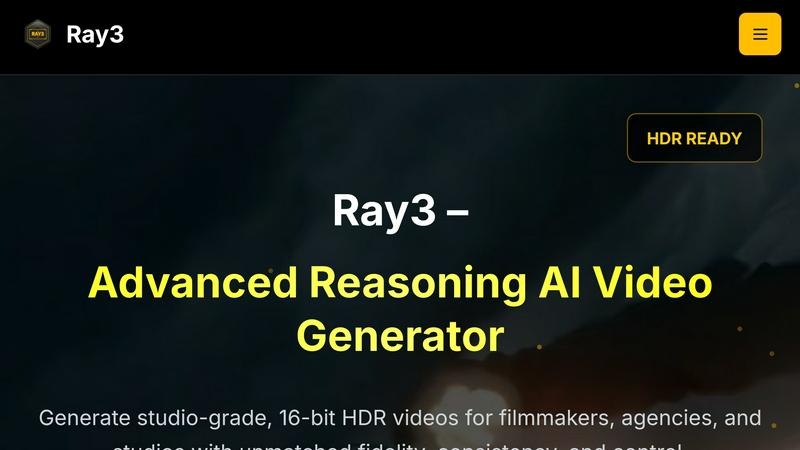
What if your AI video generator could truly understand the world it's depicting? Ray3 is a pioneering platform that answers this question, moving beyond simple pattern-matching to offer reasoning-based AI video generation. Designed for the discerning professional, it transforms text and image prompts into studio-grade, 16-bit HDR videos with an unprecedented level of logical consistency and physical accuracy. This tool is engineered for filmmakers, creative agencies, and production studios who refuse to compromise on quality. Its core value proposition lies in merging the exploratory power of AI with the rigorous demands of professional post-production. By supporting true 10, 12, and 16-bit HDR output in formats like ACES2065-1 EXR, Ray3 ensures the videos you generate are not just clips, but production-ready assets with the dynamic range and color depth needed for cinematic work. The inclusion of a 5x faster Draft Mode invites a new, curiosity-driven workflow, allowing creators to rapidly prototype ideas before committing to a high-fidelity render. With seamless integration into tools like Adobe Premiere Pro, Ray3 doesn't just create videos; it thoughtfully integrates into the creative pipeline, empowering professionals to explore new concepts, accelerate production timelines, and achieve stunning visual results with reliability and control.
About YouTube to Transcript
YouTube-to-transcript.org is a powerful, web-based utility designed for content creators, students, and researchers. It allows users to instantly extract high-quality transcripts and subtitles from any YouTube video by simply pasting the URL. Key Features:• Completely Free: No hidden costs or premium tiers.• Multi-language: Supports translation into over 125 languages.• No Restrictions: No limits on video duration and no registration required.• Clean Formatting: Export transcripts for SEO, notes, or content repurposing.