
LinkedInPro vs RemoveTexts
Side-by-side comparison to help you choose the right AI tool.
Discover how your casual photos can instantly become polished, professional LinkedIn headshots.
Last updated: February 28, 2026

RemoveTexts
AI-powered tool that removes text from any image in seconds — no Photoshop needed.
Visual Comparison
LinkedInPro
RemoveTexts

Overview
About LinkedInPro
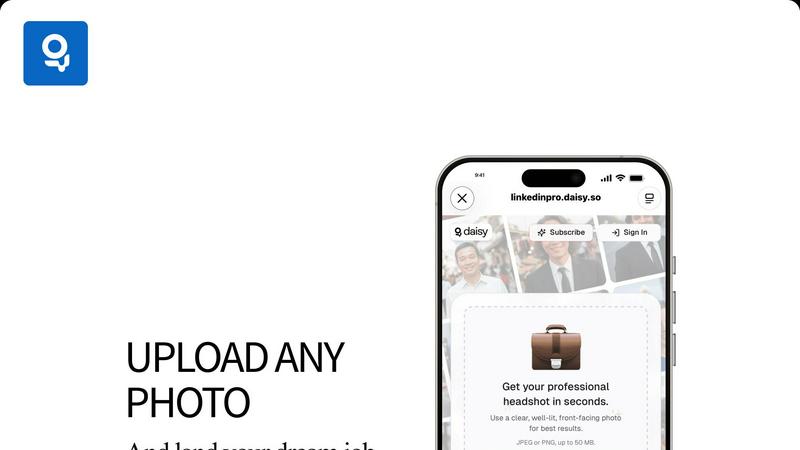
Have you ever wondered what a truly professional headshot could do for your online presence? LinkedInPro invites you to explore that very question. It's an innovative AI-driven platform designed to transform the way professionals present themselves in the digital world. At its core, LinkedInPro is a sophisticated image enhancement tool that takes your everyday photos and, in mere seconds, reimagines them as studio-quality professional headshots. This process eliminates the traditional barriers of expensive photoshoots, complex scheduling, and the anxiety of being in front of a camera. The tool is crafted for a wide spectrum of users: from the ambitious job seeker aiming to make a powerful first impression, to the entrepreneur building a personal brand, and the established professional seeking a polished profile refresh. Its primary value proposition is profound in its simplicity: democratizing access to high-quality professional imagery. By making it accessible to everyone regardless of budget, location, or technical skill, LinkedInPro empowers individuals to confidently showcase their best selves. It's not just about improving a photo; it's about unlocking potential, attracting the right opportunities, and presenting a version of yourself that commands attention and respect in your career journey.
About RemoveTexts
No Photoshop, no manual selection - just upload and get clean results in seconds.
Perfect for cleaning screenshots, removing watermarks, or erasing unwanted text.
RemoveTexts is an AI-powered image editing tool that removes unwanted text from any image with one click. Whether it's watermarks, meme text, subtitles,date stamps, or branded overlays — our AI detects and erases text while seamlessly reconstructing the original background.
Key Features:
- Paint to Remove — Brush over specific text areas for precise control
- Auto Remove All — AI detects and removes every text element automatically
- Edit & Replace Text — Change existing text in images while matching the original style
- Remove Objects — Erase unwanted objects, logos, and visual elements
- 50+ Languages — Works with English, Chinese, Japanese, Korean, Arabic, and more Powered by state-of-the-art generative AI with 4K output quality. No design skills required. Results in seconds, not hours. Used by 100,000+ creators, marketers, and designers worldwide.