
Ayn8n vs TrafficClaw
Side-by-side comparison to help you choose the right AI tool.

Ayn8n
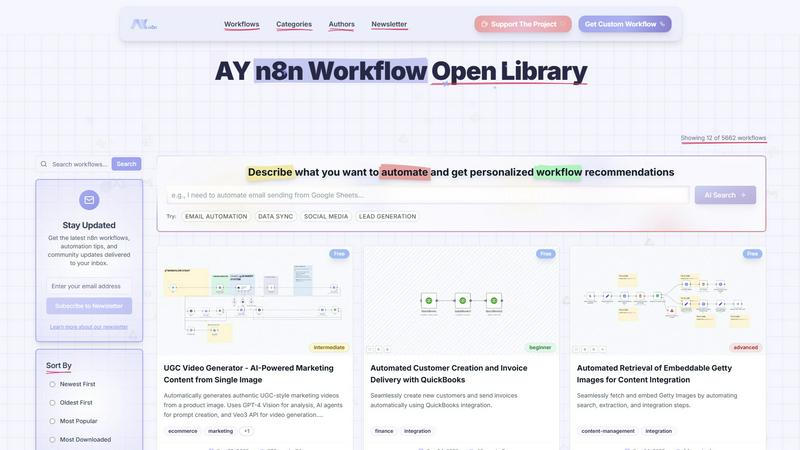
Discover thousands of AI-powered n8n automation templates to effortlessly streamline your workflows.
Last updated: February 28, 2026

TrafficClaw
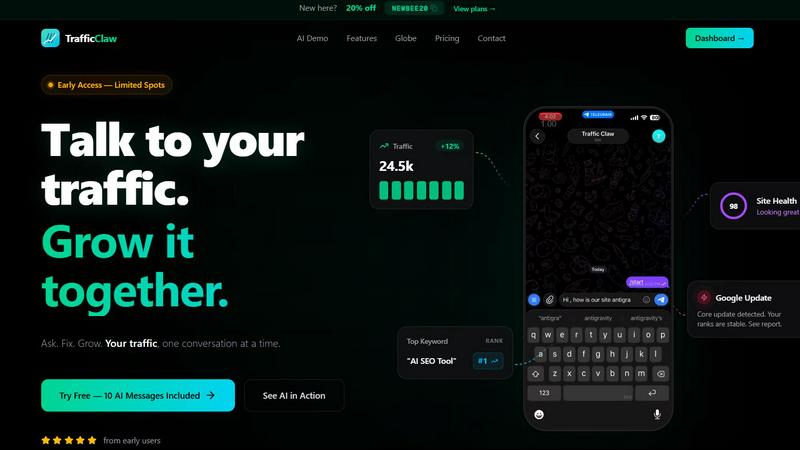
Talk to your SEO & Analytics data - it finally talks back
Visual Comparison
Ayn8n
TrafficClaw
Overview
About Ayn8n
Ever wondered how to translate a brilliant automation idea into a functioning workflow without starting from a blank canvas? Welcome to Ayn8n, the vibrant open hub and discovery engine for n8n workflows. Developed by AY Automate LLC, this platform is your gateway to a universe of over 6,150 pre-built automations, designed to spark curiosity and supercharge your productivity. It serves as a comprehensive library where developers, vibe coders, marketers, and business owners can explore, share, and customize automation solutions for virtually any task. The core mission is to democratize automation, making powerful tools accessible through a user-friendly interface that simplifies complex processes. Imagine having a community-driven repository where you can find a workflow for AI-powered social media content, automated lead generation, or seamless data migration, all tailored to your industry. Ayn8n goes beyond a simple directory by offering intelligent, personalized recommendations through its AI Search, helping you discover the perfect automation based on your specific needs. With continuous updates from a thriving community and a focus on collaboration, Ayn8n is more than a tool; it's an evolving ecosystem for anyone eager to streamline operations, reduce manual effort, and unlock new possibilities in their digital workflow.
About TrafficClaw
Your traffic dropped. Google Analytics says nothing useful. Search Console shows graphs. Cool. Now what? TrafficClaw lets you just ask - "Why did my traffic drop?" and actually get an answer. Backed by your real data, not some generic blog post advice. Connect GA4 + Search Console. Ask questions. Get fixes. That's it.