
AI Video/Image Generator vs RemoveTexts
Side-by-side comparison to help you choose the right AI tool.

AI Video/Image Generator
Discover how Any 3D instantly transforms your 2D images into detailed, explorable 3D models.
Last updated: March 1, 2026

RemoveTexts
RemoveTexts is an AI tool that effortlessly erases text from images in seconds, making your visuals clean and professional without any design skills.
Last updated: March 11, 2026
Visual Comparison
AI Video/Image Generator
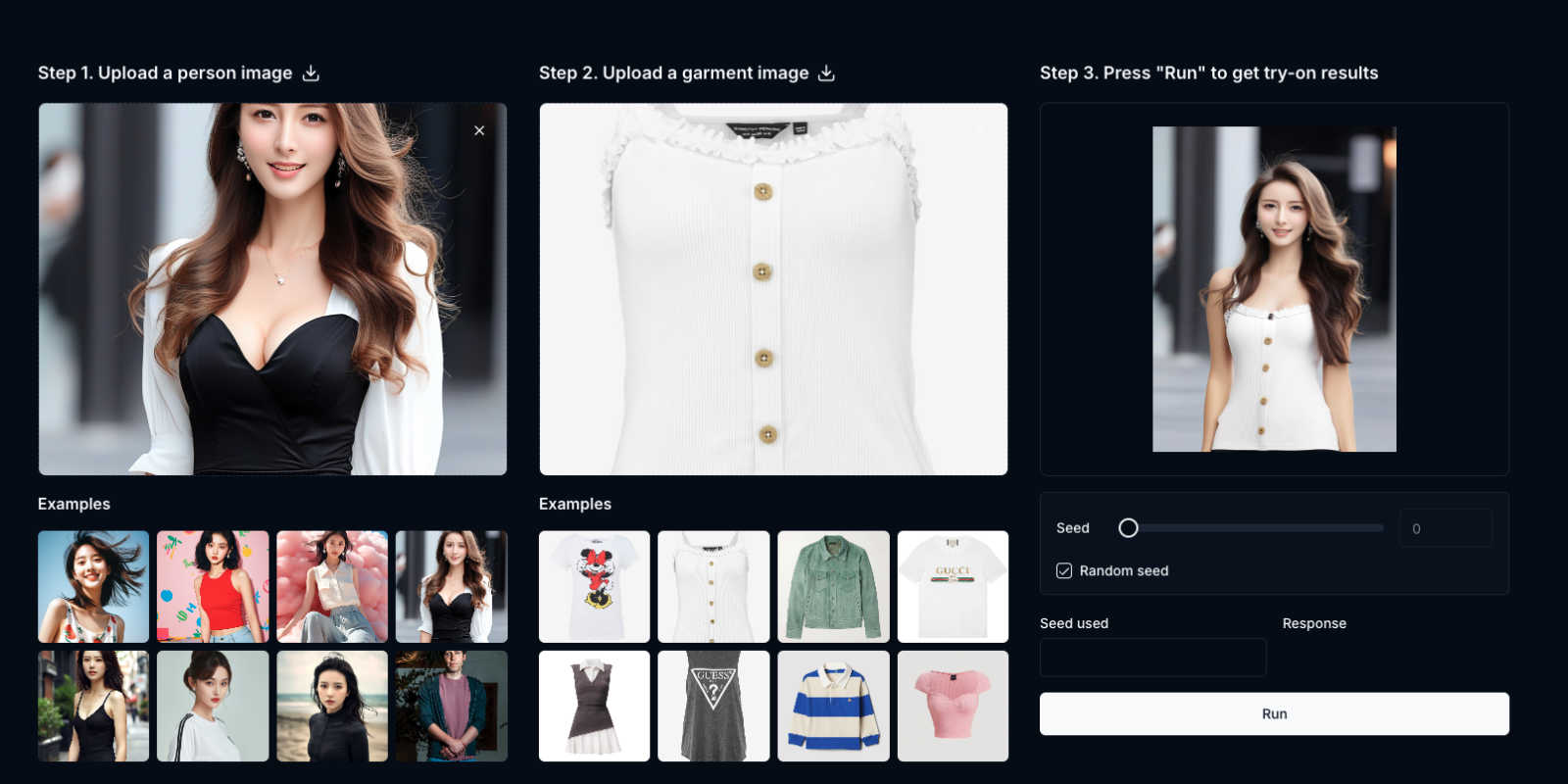
RemoveTexts

Feature Comparison
AI Video/Image Generator
FLUX.1 Kontext: Contextual Image Generation & Editing
Move beyond simple text-to-image prompts. FLUX.1 Kontext understands the full scene. Start with an existing image and a text instruction to seamlessly blend and manipulate elements. Change a character's outfit, alter the environment, or maintain consistent personas across multiple images, all while preserving the original context and style with a level of precision that feels like having a collaborative AI art director.
Any 3D Object: Instant 2D to 3D Conversion
Transform any photograph of an object or scene into a detailed, textured 3D model instantly. This feature uses state-of-the-art AI to reconstruct geometry, texture, and layout from a single 2D image, eliminating the need for multiple camera angles or complex scanning equipment. It achieves a remarkable 5:1 win rate in human preference tests against other leading models.
Any 3D Body: Advanced Human Pose & Shape Estimation
Generate accurate 3D human models from a single portrait or full-body photo. This robust feature handles real-world complexities like occlusions, unusual postures, multiple people, and diverse clothing. It builds models using a Meta Momentum Human Rig (MHR), providing a detailed estimation of human pose and shape that is essential for animation, VR, and digital fashion.
Interactive 3D Prompting & Multi-Object Scenes
Guide the 3D reconstruction process with intuitive inputs like point clicks or bounding boxes. Refine results with additional prompts for precise control. Furthermore, reconstruct complete 3D scenes containing multiple objects, allowing you to manipulate individual items or freely control the camera perspective to explore every angle of your generated environment.
RemoveTexts
Paint to Remove
This feature allows users to have precise control over the text removal process. Simply use the brush tool to paint over specific text areas, and the AI will expertly erase only those sections, ensuring a clean and tailored result that meets your exact needs.
Auto Remove All
With the Auto Remove All feature, users can enjoy the convenience of one-click removal of every text element in an image. The AI intelligently detects and removes all text, making it ideal for users who want to streamline their editing process without compromising on quality.
Edit & Replace Text
RemoveTexts offers an innovative Edit & Replace Text feature, enabling users to change existing text in images while matching the original style. This functionality is perfect for creators who want to customize visuals without starting from scratch, preserving the aesthetics of the original design.
Remove Objects
The Remove Objects feature goes beyond text removal, allowing users to erase unwanted items, logos, or visual elements from their images. This capability is particularly useful for e-commerce sellers or anyone looking to enhance their imagery by eliminating distractions.
Use Cases
AI Video/Image Generator
Game Development & Asset Creation
Rapidly prototype and create 3D assets for games and virtual worlds. Transform concept art or reference photos into usable 3D models for objects, environments, and characters with Any 3D, then use FLUX.1 to generate consistent texture variations or alternate designs, dramatically speeding up the production pipeline.
Marketing & E-commerce Visuals
Create stunning, consistent product visuals and immersive ads. Generate a 3D model of a product from a single photo for interactive web displays, then use FLUX.1 to place it into various lifestyle contexts—changing backgrounds from a office desk to a cozy cafe with a simple text instruction, all while keeping the product perfectly consistent.
Storyboarding & Concept Art Iteration
Develop visual narratives with fluidity. Storytellers and filmmakers can use FLUX.1 to evolve a key scene frame-by-frame: adjust a character's expression, change the time of day, or add narrative elements while maintaining visual continuity. This turns the AI into an iterative creative partner for visual storytelling.
AR/VR Content Production
Fuel augmented and virtual reality experiences with ease. Convert real-world objects and spaces captured in 2D into 3D models ready for AR/VR integration using Any 3D. Create and modify virtual characters and props with contextual edits via FLUX.1, enabling fast and flexible content creation for immersive technologies.
RemoveTexts
E-commerce Product Photos
For online sellers, having clean and professional product images is crucial. RemoveTexts helps e-commerce professionals effortlessly remove watermarks or distracting text from their photos, ensuring that their products stand out and attract potential buyers.
Social Media Content Creation
Marketers and social media managers can utilize RemoveTexts to create visually appealing content by removing unwanted text from images. Whether it is cleaning up memes or removing captions from screenshots, the tool allows for polished visuals that engage audiences effectively.
Legal Document Redaction
Legal professionals often need to redact sensitive information from documents. RemoveTexts provides a fast and reliable solution for removing text from scanned images, ensuring confidentiality while preserving the document's overall presentation.
Personal Photo Editing
Everyday users can leverage RemoveTexts for personal photo editing needs, such as removing date stamps from vacation pictures or eliminating unwanted text from family photos. The tool makes it easy for anyone to enhance their memories without needing advanced editing skills.
Overview
About AI Video/Image Generator
What if you could step beyond the flat canvas and bring your ideas to life in three dimensions? Welcome to a new frontier of digital creation, where the boundary between 2D imagination and 3D reality dissolves. This AI Video/Image Generator represents a powerful suite of tools, headlined by the revolutionary FLUX.1 Kontext Image Generator and the groundbreaking Any 3D platform. This isn't just about generating static images; it's about mastering visual context and spatial understanding. FLUX.1 Kontext allows you to converse with your creative vision, using both existing images and text instructions to iteratively edit and refine scenes with unparalleled coherence. Simultaneously, Any 3D unlocks the third dimension, transforming any standard 2D photograph into a detailed, explorable 3D model in mere seconds. Designed for visionary creators, innovative marketers, game developers, and product designers, this suite offers a dual value proposition: profound narrative control over 2D scenes and the magical ability to instantly extrude the world into 3D. It invites you to explore a complete creative workflow, from refining the perfect character in a storyboard to breathing life into them as a fully realized 3D asset, all within an intuitive, discovery-oriented environment.
About RemoveTexts
RemoveTexts is a cutting-edge AI-powered image editing tool designed to simplify the process of removing unwanted text from images. It caters to a diverse range of users, including designers, marketers, and everyday individuals who need to enhance their visuals without the hassle of complex software like Photoshop. The primary value proposition of RemoveTexts lies in its ability to deliver quick, seamless, and professional-grade results in mere seconds. By harnessing the power of advanced generative AI, the platform can effortlessly eliminate various text elements such as watermarks, captions, date stamps, and branded overlays, all while maintaining the integrity of the original background. With no design skills required, users can confidently navigate the intuitive interface and achieve high-quality edits with just a few clicks. The tool supports multiple languages, making it accessible to a global audience, and has already garnered a loyal user base of over 100,000 creators and professionals worldwide.
Frequently Asked Questions
AI Video/Image Generator FAQ
What makes FLUX.1 Kontext different from other AI image generators?
FLUX.1 Kontext is fundamentally different because it is built for contextual understanding and iterative editing. Instead of just creating a new image from text, it allows you to start with an existing image and modify it based on a text instruction while preserving the original scene's core context, style, and elements, offering unparalleled control for refined creative projects.
Do I need multiple photos to create a 3D model with Any 3D?
No, that's the breakthrough. Any 3D is specifically designed for single-image 3D reconstruction. You can upload one everyday 2D photograph of an object, scene, or person, and the advanced AI will generate a detailed, textured 3D model from that single viewpoint, making 3D creation accessible to everyone.
What kind of images work best with Any 3D?
Any 3D is trained on millions of diverse images for robustness. Clear, well-lit photos with the subject in full view yield the best results. However, the model is engineered to handle challenges like occlusions, indirect angles, and complex objects better than traditional methods, making it highly versatile for real-world use.
Can I integrate these AI tools into my own applications?
Yes, through the Any 3D API. A REST API is available, allowing developers to integrate the 3D reconstruction capabilities into automated workflows, robotics systems, gaming engines, film production pipelines, or custom AR/VR applications for batch processing and scalable use.
RemoveTexts FAQ
How does RemoveTexts work?
RemoveTexts leverages advanced AI technology to analyze surrounding pixels and intelligently reconstruct the background after removing text. This deep learning inpainting technique ensures that the removed areas blend seamlessly with the original image.
Is there a limit on the image size I can upload?
Yes, RemoveTexts supports image uploads of up to 10 MB. You can upload images in JPG, PNG, or WebP formats, making it versatile for various visual content needs.
Can I use RemoveTexts for commercial purposes?
Absolutely! RemoveTexts is designed for both personal and commercial use, making it ideal for professionals and businesses looking to enhance their visual content without the need for extensive design skills.
What types of text removal does RemoveTexts support?
RemoveTexts can remove a wide range of text types, including watermarks, captions, subtitles, and branded overlays. The AI-powered tool ensures that all text elements are erased while maintaining the quality of the surrounding image.
Alternatives
AI Video/Image Generator Alternatives
AI Video/Image Generator is a powerful tool in the image and photo category, designed to transform text prompts into visual art. It represents a significant leap in creative technology, allowing for a more intuitive and context-aware generation process that goes beyond simple text-to-image conversion. Users often explore alternatives for various reasons. Some may seek different pricing models, from free tiers to enterprise subscriptions. Others might need specific features, like a particular art style, higher resolution outputs, or integration with other software platforms. The quest for the right tool is deeply personal, driven by one's unique creative workflow and project requirements. When choosing an alternative, consider what matters most for your vision. Look at the core technology: does it offer the control and consistency you need? Evaluate the user experience and learning curve. Finally, think about the output quality and whether the tool can grow with your ambitions, from casual experimentation to professional project work.
RemoveTexts Alternatives
RemoveTexts is an innovative AI-powered tool designed to effortlessly remove unwanted text from images in mere seconds, placing it firmly within the image and photo editing category. Users often seek alternatives to RemoveTexts due to factors such as pricing, specific feature sets, or compatibility with different platforms. Finding the right alternative involves evaluating aspects like ease of use, the quality of output, available languages, and how well the tool integrates with existing workflows. When searching for an alternative, consider the tool's ability to handle various image types, the precision of text removal, and additional features like object removal or text editing capabilities. It's also essential to assess user reviews and the overall reputation of the tool to ensure it meets your specific needs and expectations.