

MindMap AI
Discover how MindMap AI instantly transforms your ideas into dynamic, editable mind maps.
About MindMap AI
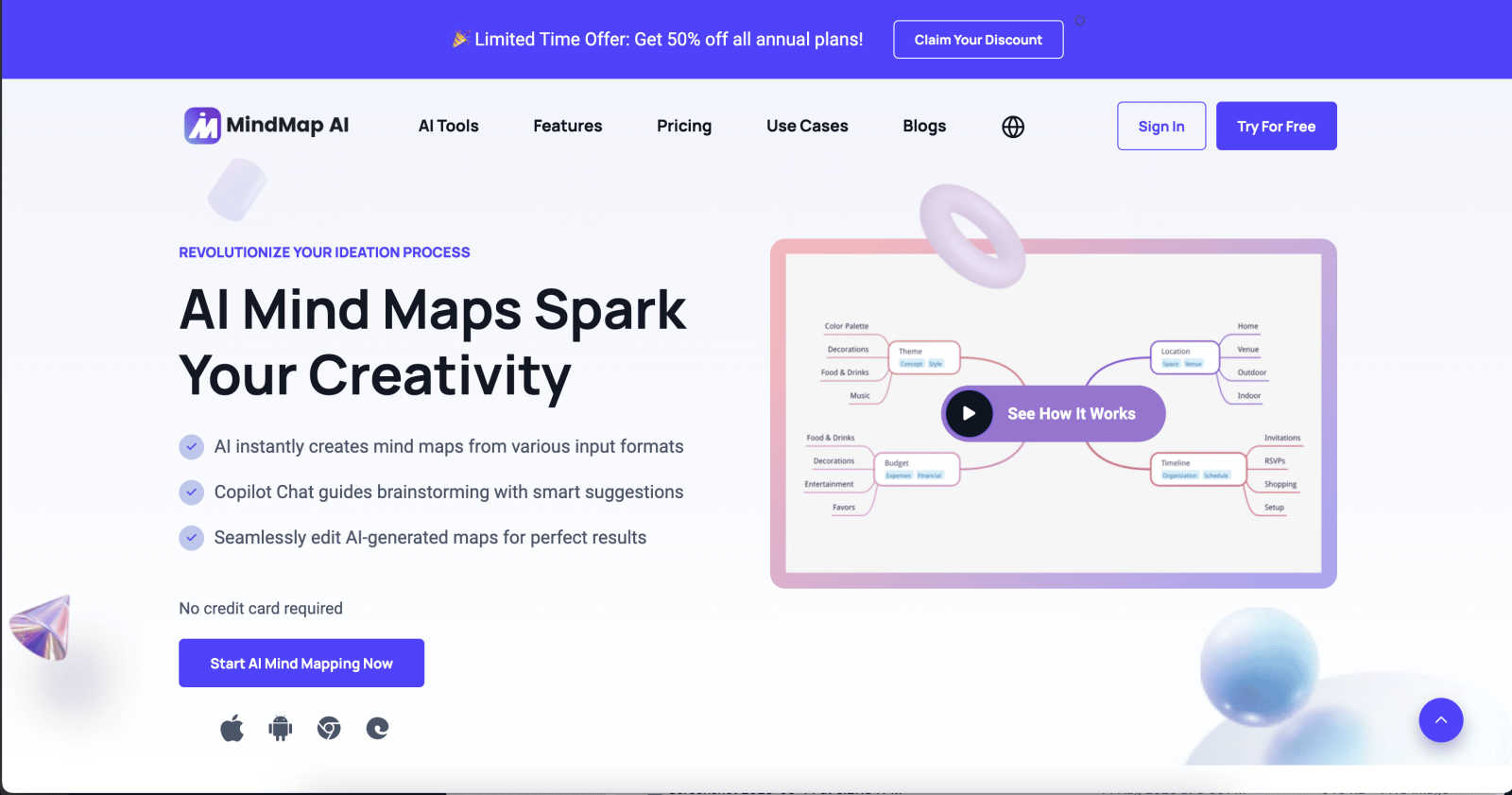
What if you could instantly visualize the connections between a dense research paper, the key points from a rambling team meeting, and your own scattered notes? MindMap AI is the pioneering platform that makes this possible, transforming the way professionals and teams organize, understand, and act on complex information. It's an AI-powered mind mapping software designed to convert chaos into clarity, acting as a dynamic thinking partner. The platform can ingest a vast array of inputs—from text, PDFs, and slides to audio recordings, images, and even CSV files—and instantly structure them into beautiful, interactive visual maps. But this is more than just automated diagramming; it's an interactive workspace where your map becomes a living document. With features like Co-Pilot Chat, you can converse with your map to drill deeper, refine strategies, or uncover hidden connections. Built for the modern knowledge worker, project manager, educator, and strategist, MindMap AI provides a central canvas for brainstorming, knowledge organization, and project planning. It helps turn intricate ideas and disparate data into actionable workflows and compelling strategies in minutes, not hours, with cross-platform availability and multi-format exports to keep your insights accessible and presentation-ready.
Features of MindMap AI
The New Brain: AI Thinking Mode
MindMap AI uses a sophisticated, step-by-step reasoning engine that deeply understands context, hierarchy, and relationships before generating your mind map. This ensures every creation is structured, meaningful, and accurate on the first try, moving beyond random branches to deliver a map that truly reflects logical thought and complex connections.
File-to-Map Conversion
Transform virtually any content into a clean, beautiful mind map instantly. The platform can process text, PDFs, images, audio, video, Markdown, CSV, and more. This capability allows you to dive straight into thinking, planning, and creating, bypassing the tedious manual work of building a map from scratch and starting with a structured visual foundation.
MindMark Stability & Continuous Editing
This feature ensures the AI respects your work, never overwriting your manual edits, custom layouts, or personal structure. You have full control to expand, summarize, add arrows, and reorganize your map, with the AI co-creating alongside you. Your mind map remains stable as the AI intelligently expands around your ideas without breaking your design.
Flexible Layouts & Instant Aesthetics
Switch effortlessly between Mind Map, Org Chart, and Logic Chart views while keeping your structure perfectly aligned. Coupled with a library of modern, presentation-ready themes, you can give your map a polished look in one click. Enjoy total customization with colors, fonts, shapes, and actionable widgets like Priority Flags and Due Dates.
Use Cases of MindMap AI
Academic Research and Study
Students and researchers can distill complex papers, textbooks, and lecture notes into clear, hierarchical mind maps. This visual breakdown makes it easier to identify key themes, arguments, and evidence, enhancing comprehension, memorization, and the ability to synthesize information for essays, theses, or exam preparation.
Project Planning and Management
Project managers and teams can transform meeting notes, project briefs, and data spreadsheets into a central, visual project plan. By mapping out phases, tasks, dependencies, and responsibilities, teams gain clarity, identify potential bottlenecks early, and maintain alignment, turning abstract plans into actionable, trackable workflows.
Strategic Brainstorming and Ideation
Strategists, marketers, and creative teams can use the platform as a dynamic brainstorming partner. Input raw ideas, market research, or competitor analysis to generate a structured map of concepts. The Co-Pilot Chat can then help explore second-order connections and refine strategies, turning creative chaos into a coherent action plan.
Knowledge Management and Onboarding
Organizations can convert dense training manuals, process documents, and onboarding materials into interactive, easy-to-navigate mind maps. New hires or team members can visually explore information hierarchies and relationships, accelerating the learning curve and creating a living knowledge base that is easy to update and reference.
Frequently Asked Questions
What kinds of files can MindMap AI convert into a mind map?
MindMap AI supports a wide range of input formats to kickstart your visual thinking. You can upload text documents, PDFs, PowerPoint presentations, images, audio recordings, video files, Markdown documents, CSV/Excel data, and even JSON or XML files. The AI analyzes the content and structure to generate a coherent initial map.
How does the AI ensure it doesn't ruin my manual edits?
The platform employs a unique "MindMark Stability" feature. This means the AI is designed to recognize and respect your manual adjustments. When you ask the AI to expand or refine parts of the map, it works around your edits, adding new branches or suggestions without altering your custom layouts, text, or personal structural choices.
Can I collaborate with others on a mind map?
Yes, MindMap AI is built for collaboration. You can share your interactive maps with team members or classmates, allowing for real-time or asynchronous co-editing. The platform maintains version stability, so everyone's contributions are integrated smoothly, making it an ideal tool for group brainstorming, project planning, and team-based research.
Is there a free plan available?
Absolutely. MindMap AI offers a free tier that provides 50 credits monthly with no credit card required to start. This allows you to explore core features like file conversion, AI co-editing, and basic customization, giving you a substantial opportunity to experience how the platform can transform your workflow before considering an upgrade.
Explore more in this category:
Similar to MindMap AI


PerPageFax
PerPageFax lets you send a fax online from any browser for a flat $0.50 per page — no account, no subscription, no fax machine.

OctoWatch DLP
Track staff & time. Free trial. Cloud/on-prem.

linkwise.link
AI finds your lost links. Summarizes & tags URLs.

JsonTranslate
Translate JSON, Markdown, and TXT files while preserving keys, nested paths, and project structure.

Glanced
Follow news, blogs, newsletters, and podcasts in a free RSS reader, with AI summaries, top stories, full-text search, saved searches, and a catalog.
